
Improving Search
CS 66: Introduction to Computer Science II
References for this lecture
Problem Solving with Algorithms and Data Structures using Python
Sections 6.1-6.5 https://runestone.academy/ns/books/published/pythonds/SortSearch/toctree.html
Sequential Search
As long as you can iterate through items in a data structure, you can write a sequential search or linear search - a search that runs in $O(n)$ time.
We’ve been doing this all semester long: 1st week activity, search in OrderedList class, etc.
- for each item in the data structure
- check if the item is the one you’re looking for
linear search of Python list
15 in [3,5,2,4,1]
False
def sequentialSearch(alist, item):
    pos = 0
    found = False

    while pos < len(alist) and not found:
        if alist[pos] == item:
            found = True
        else:
            pos = pos+1
    return found

testlist = [1, 2, 32, 8, 17, 19, 42, 13, 0]
print(sequentialSearch(testlist, 3))
print(sequentialSearch(testlist, 13))
False
True
If the item is actually in the list
- best case: 1 comparison
- worst case: $n$ comparison
- average case: $\frac{n}{2}$ comparisons
If the item is not actually in the list
- best case: $n$ comparison
- worst case: $n$ comparison
- average case: $n$ comparisons
Group Activity Problem 1
If we knew that the list was in sorted order is it possible to make the sequential search end early? How?
testlist = [0, 1, 2, 8, 13, 17, 19, 32, 42]
print(sequentialSearch(testlist, 3))
print(sequentialSearch(testlist, 13))
False
True
Strategy for Guess-My-Number Game
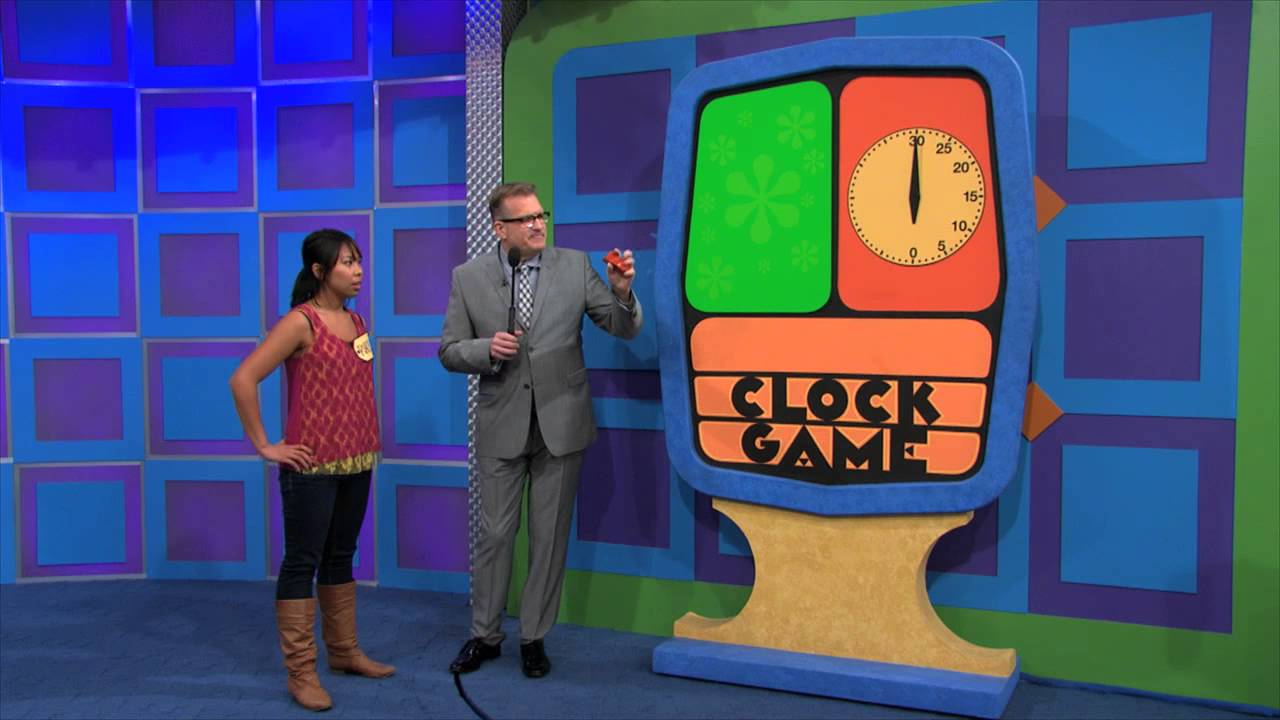
Image credit: https://www.buzzerblog.com/2014/09/23/watch-the-price-is-right-revamps-clock-game/
Binary Search
Binary Search works by looking at the middle item within a given range and throwing out at least half the items on each iteration.
only works on a sorted data structure
Let’s draw some pictures on the board to see how this works.
def binarySearch(alist, item):
    first = 0
    last = len(alist)-1
    found = False

    while first<=last and not found:
        midpoint = (first + last)//2
        if alist[midpoint] == item:
            found = True
        else:
            if item < alist[midpoint]:
                last = midpoint-1
            else:
                first = midpoint+1

    return found

testlist = [0, 1, 2, 8, 13, 17, 19, 32, 42,]
print(binarySearch(testlist, 3))
print(binarySearch(testlist, 13))
False
True
Group Activity Problem 2:
Write down how many items you have to look at in the worst case for lists of the following size:
- 100
- 200
- 400
- 1000
- 10000
Big-O analysis of Binary Search
Things to notice
- in each iteration, you can eliminate half the list
- you can double the number of items in a list and only need to check one extra item
- it does grow - so it isn’t $O(1)$
- it’s much less than $O(n)$
Binary Search is $O(\log n)$ - inverse of exponential growth
This is fantastic!
The Ordered List Abstract Data Type
The book implemented the Ordered List Abstract Data Type as a Linked List: https://runestone.academy/ns/books/published/pythonds/BasicDS/ImplementinganOrderedList.html
- Search was $O(n)$
If we instead implement Ordered List as an Array (Python list)
- Search is $O(\log n)$
- Both
addandremovestill $O(n)$ because items are shifted (but finding the spot is a search
O(1) search
Sequential Search is $O(n)$
Binary Search is $O(\log n)$
Is it possible to do search in $O(1)$ time?
An Idea
Let’s say we have a collection of values to store like 1, 5, 6, 7, 9, 10, 13, 15, 18.
We could represent this in a list like this:
my_collection = [None,1,None,None,None,5,6,7,None,9,10,None,None,13,None,15,None,None,18,None]
Now, we can search if a value is in the collection by looking it up at its index. If it is not in the collection, None will be returned.
print( my_collection[5] )
print( my_collection[18] )
print( my_collection[4] )
print( my_collection[17] )
5
18
None
None
Group Activity Problem 3:
Because list access is $O(1)$, this does search in $O(1)$. So, are the downsides to this approach?
Could we make an UnorderedList this way? How about an OrderedList? How about a Set?
Hash Tables
Hash tables work like the above approach, except it allows for values outside of indices of the table using a hash function.
Hash functions can be any function that transforms a value into a suitable index for the list.
For example:
hash_table_size = 10
hash_table = [None] * 10 #initialize all 10 spots to None

def simple_hash(value,num_items):
    return value % num_items

print(hash_table)
[None, None, None, None, None, None, None, None, None, None]
Now let’s put a value into the hash table.
val = 87
val_hash = simple_hash(val,hash_table_size)
hash_table[val_hash] = val
print(hash_table)
[None, None, None, None, None, None, None, 87, None, None]
Doing a few more:
hash_table[simple_hash(33,hash_table_size)] = 33
hash_table[simple_hash(112,hash_table_size)] = 112
hash_table[simple_hash(19,hash_table_size)] = 19
print(hash_table)
[None, None, 112, 33, None, None, None, 87, None, 19]
Now we can search the hash table like this:
hash_table[simple_hash(33,hash_table_size)] == 33 #is 33 at the spot is should be in the hash table?
True
hash_table[simple_hash(12,hash_table_size)] == 12 #is 12 at the spot is should be in the hash table?
False
Group Activity Problem 4
There’s still a problem with this approach. What is it?
Collisions
When two different items end up with the same hash value, it is called a collision.
This is a problem since both items can’t occupy the same memory location.
Collision Resolution is the process of finding a new location for an item when there is a collision - we’ll talk about some approaches next time.
Hash functions for strings
If you want to put strings in your hash table, you have to come up with a way to convert them into numbers.
One approach is to use the ord function for each character, which returns the unicode value used to represent the character in memory.
ord('c')
99
ord('a')
97
ord('t')
116
def string_hash(astring, tablesize):
    sum = 0
    for pos in range(len(astring)):
        sum = sum + ord(astring[pos])

    return sum%tablesize

print( string_hash("cat",10) )
print( string_hash("dog",10) )
print( string_hash("chicken",10) )
2
4
5